Imported Nodes
Import HTTP requests from a curl command or an OpenAPI spec, organized into named lists.
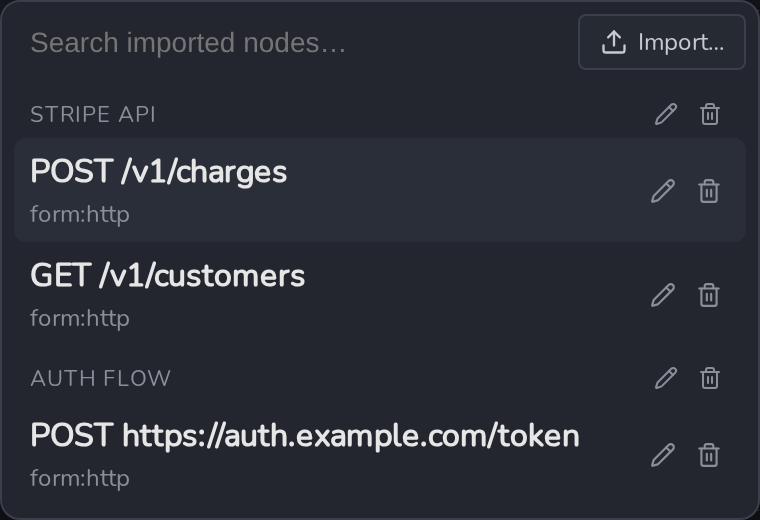
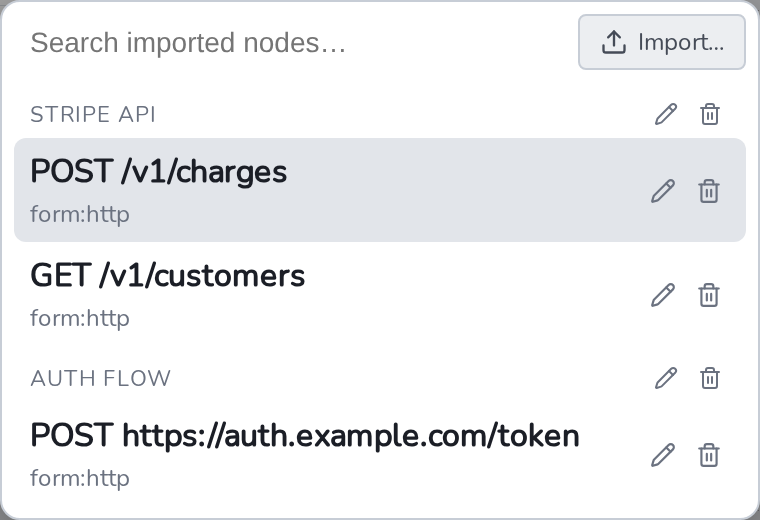
Imported Nodes are HTTP requests brought in from an outside source , a curl command or an OpenAPI spec , instead of built or saved by hand. Every import lands in a named list, so requests pulled from the same API stay grouped together.
Importing
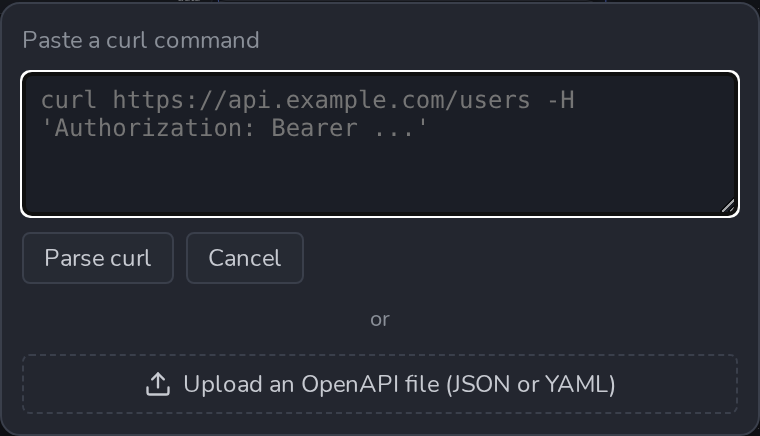
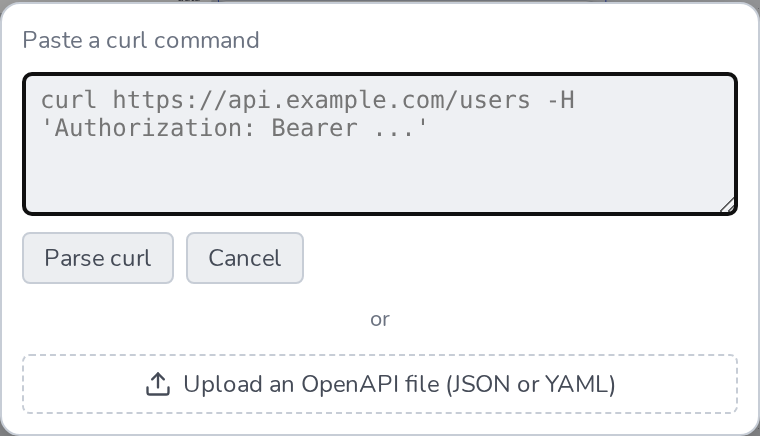
Press Ctrl/Cmd+Alt+Shift+Space (Add Imported Node) and click Import…. Two sources are supported:
- Paste a curl command , a single request, e.g. copied via a browser’s “Copy as cURL”.
- Upload an OpenAPI file (JSON or YAML) , every operation in the spec is parsed at once.
If the source contains more than one request (an OpenAPI spec usually does), a checklist appears next , every request is checked by default, uncheck any you don’t want. Then choose where the selected requests go:
- New list , name it, or keep the suggested default (the OpenAPI spec’s title, or the request’s own method and URL for a single curl import).
- Existing list , append into a list you’ve already imported into.
Every imported request becomes a regular HTTP Request Node , Method, URL, Headers, and Body, fully editable afterward. There’s no live link back to the curl command or spec it came from; re-import if the source changes.
Placing one on the canvas
Ctrl/Cmd+Alt+Shift+Space opens the picker, grouped by list. Picking a node prompts for a display name before it’s added , the same “name it, then place it” flow as Saved Nodes.
Renaming and deleting
Both lists and individual imported nodes have a rename and a delete button right in the dialog , next to a list’s name for the whole list, next to each node for just that one.