Overview
What Floah is, and the workspace, flow, node, and canvas concepts everything else builds on.
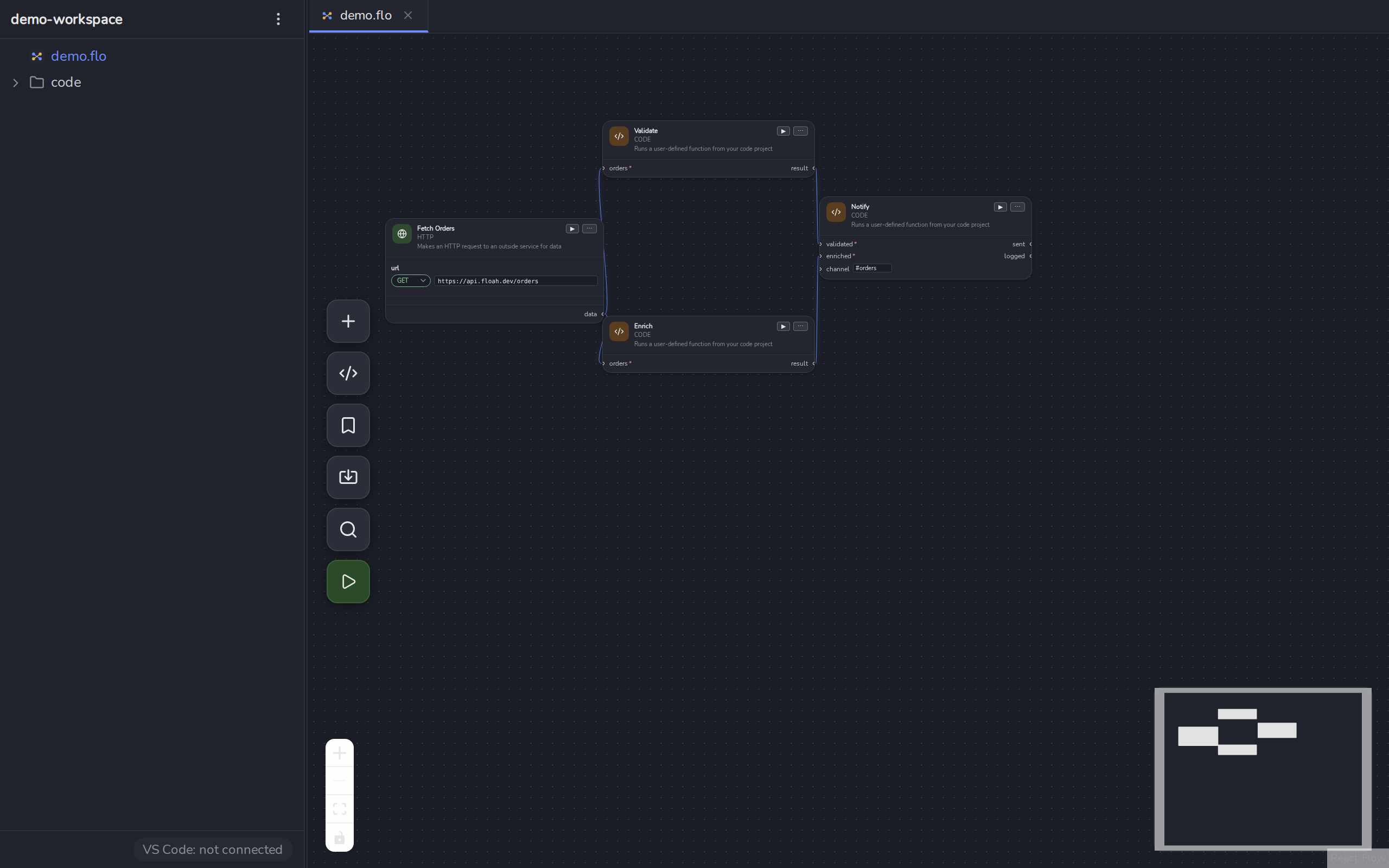
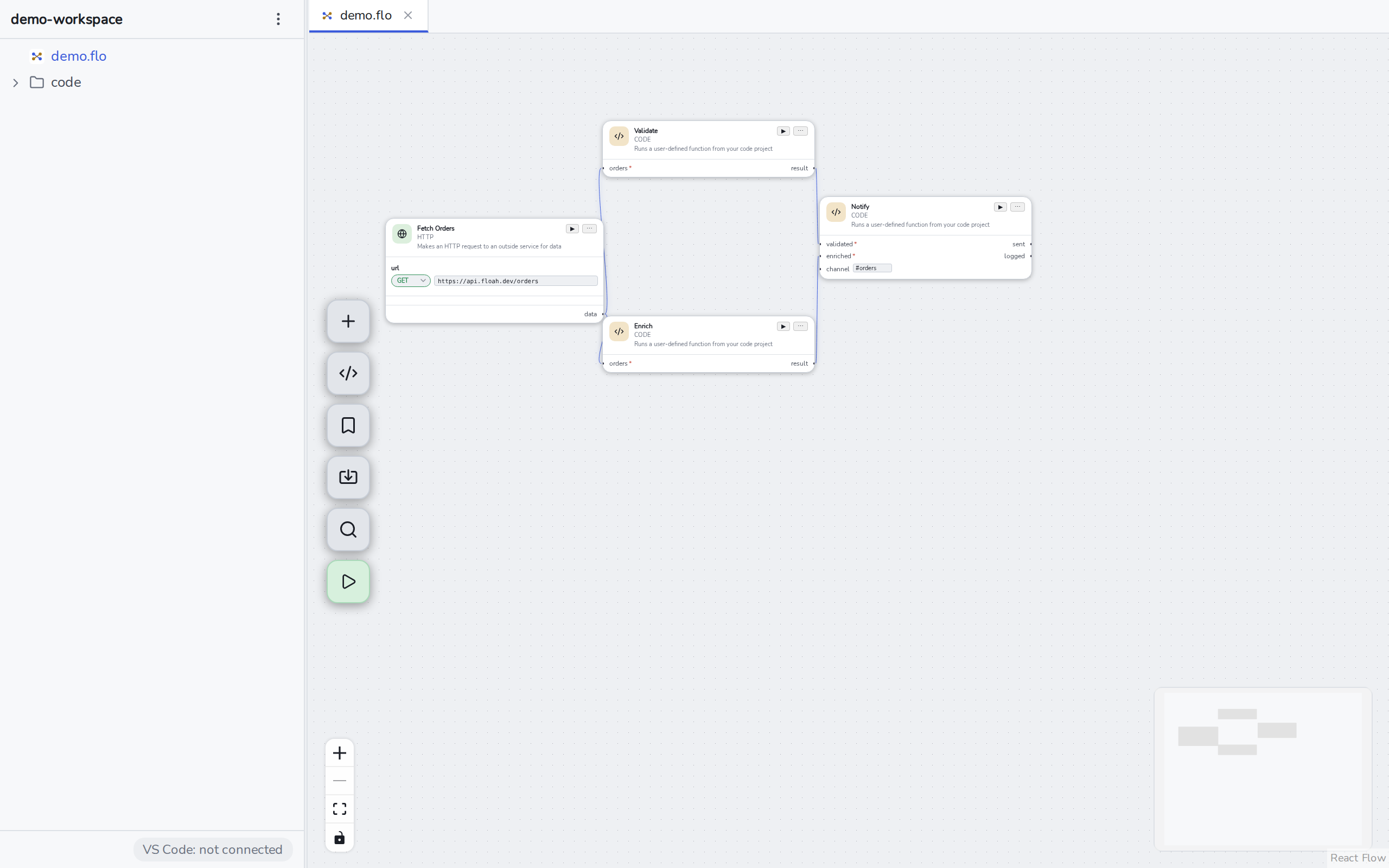
Floah is a desktop app for building and running API/integration test flows as visual node graphs , HTTP, GraphQL, gRPC, WebSocket/Socket.IO/MQTT, and code nodes that run real Go, Python, or TypeScript functions, all linked together and executed as one flow.
The four concepts
Everything in Floah is built from four ideas:
- Workspace , a folder you open in Floah. It can hold any number of flow files, one project
per enabled code language (
code/go/,code/python/,code/typescript/), and a shared set of environment variables. See Workspaces & Files. - Flow file (
.flo) , one visual graph: a set of nodes, the edges (wires) between them, and the canvas viewport. A workspace can contain any number of.flofiles, anywhere in the folder. - Node , a single step in a flow: an HTTP request, a GraphQL query, a call into your own Go function, a WebSocket send, and so on. See Node Reference for the full list.
- Canvas , the graph editor itself. Nodes are placed, connected with wires, and run either individually or as a whole flow. See The Canvas & Wiring.
Where to go next
- New to Floah? Start with Your First Flow , a short walkthrough that wires an HTTP request into a value extractor and runs it.
- Looking for a specific node’s fields? Jump straight to Node Reference.
- Want to write a node backed by your own Go/Python/TypeScript function? See Code Node.
- Running flows from a terminal or CI instead of the app? See Headless CLI.