HTTP Request Node
Method, URL, headers, and body fields for calling an HTTP endpoint.
Makes an HTTP request to an outside service for data. It’s a Form Node preconfigured with the fields an HTTP call needs.
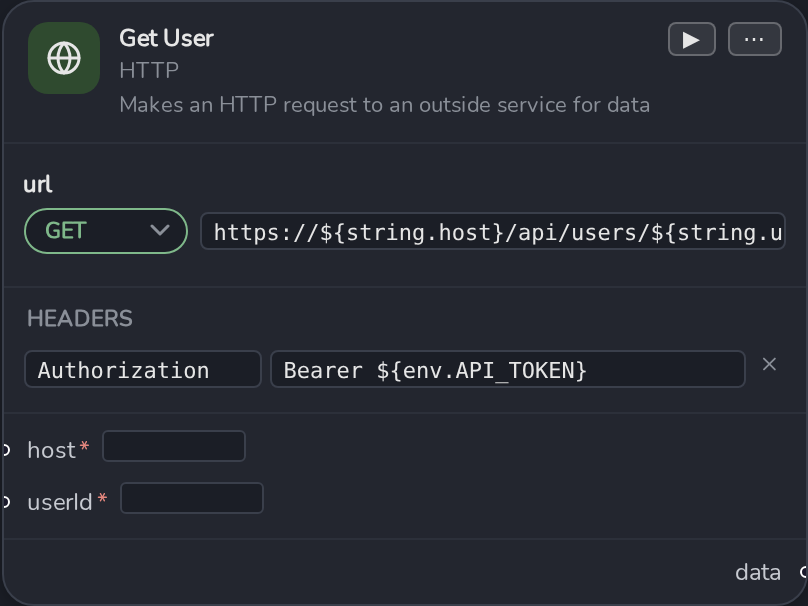
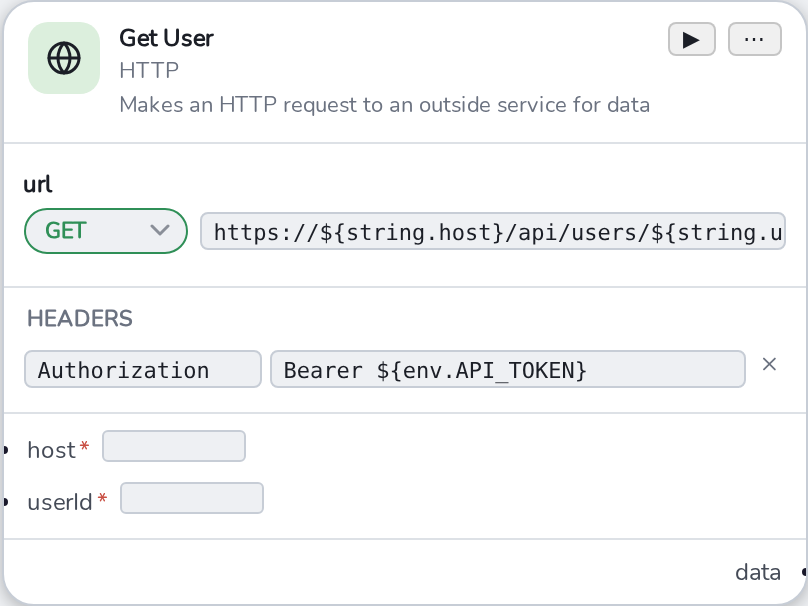
Fields
- Method , a colored dropdown merged into the URL row:
GET,POST,PUT,DELETE,OPTIONS,QUERY. - URL , a template field, e.g.
https://${string.host}/api. Can never be removed. - Headers , optional. Add via the ⋯ menu → Add Header; each is a key/value template pair. A value that looks like JSON gets auto-detected on blur and a "" format button appears.
- Body / Content-Type , optional, added together via ⋯ → Add Body. Content-Type is
a dropdown:
application/json,text/plain,application/x-www-form-urlencoded,text/xml,application/octet-stream.
All of Method/URL/Headers/Body’s template placeholders flow into one combined set of input ports on the node , see Template Syntax Reference.
Output
The response lands on a persistent data output port , unlike a one-shot flash, this port holds a
steady pulse while it has a value, since it’s meant to be read after the run rather than caught in
the instant it changes. Feed it into a Get JSON Value Node to pull
out a specific field.
Prefer an HTTP node over a raw Form Node whenever you’re actually calling HTTP , the method/URL/headers/body shape is already set up and its response port behaves correctly out of the box.