Code Node
Run a real Go, Python, or TypeScript function you wrote, wired up as a node.
A Code Node runs a user-defined function from your code project. Unlike every other node kind, it has no inline config fields , its only editable surface is its ports, which are derived directly from the target function’s parameters and return values.
Enable a language
Open Settings → Code Node Languages and toggle on Go, Python, and/or
TypeScript. Enabling a language checks that its toolchain actually runs (not just that it’s on
PATH) and creates its project folder under code/<lang>/ in the current workspace the first
time.
Write the function
There’s no “New Code Node” button , you write the function directly in your editor, following the naming convention for that language:
Click the VS Code badge at the bottom of the Explorer to open or focus VS Code on the workspace root.
Go (code/go/nodes.go) , an exported function whose name ends in Node. Only
float64/bool/string parameters and results.
func AddNode(a float64, b float64) (sum float64) {
	return a + b
}
Python (code/python/nodes.py) , a top-level function whose name ends in _node, taking
exactly one NamedTuple argument and returning exactly one NamedTuple result. Every field must
be str/bool/int/float.
class SumNodeInputs(NamedTuple):
    a: float
    b: float

class SumNodeOutputs(NamedTuple):
    sum: float

def sum_node(inputs: SumNodeInputs) -> SumNodeOutputs:
    return SumNodeOutputs(sum=inputs.a + inputs.b)
TypeScript (code/typescript/nodes.ts) , an exported top-level function whose name ends in
Node, taking exactly one interface-typed argument and returning exactly one interface-typed
result. Every field must be string/boolean/number.
interface SumNodeInputs {
  a: number
  b: number
}

interface SumNodeOutputs {
  sum: number
}

export function sumNode(inputs: SumNodeInputs): SumNodeOutputs {
  return { sum: inputs.a + inputs.b }
}
Save the file , the function shows up as a placeable tile in Add Code Node automatically, no separate register step. Each parameter and each result field becomes its own port.
Add it to the canvas
Press Ctrl/Cmd+Alt+Space for Add Code Node, pick the function from the list, and
confirm a display name. Functions already used by another .flo file in the workspace can’t be
deleted from this dialog until that reference is removed.
Editing later
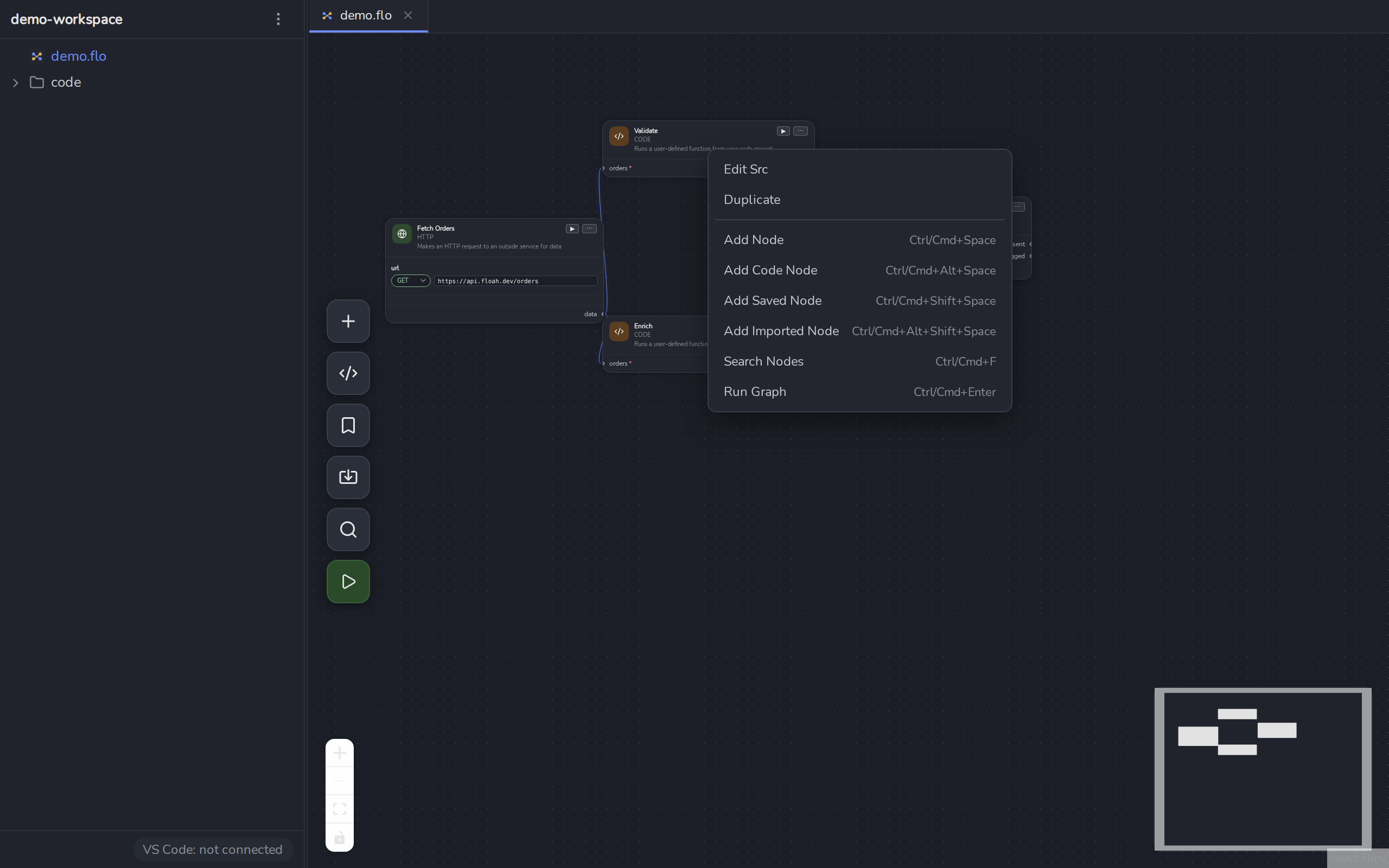
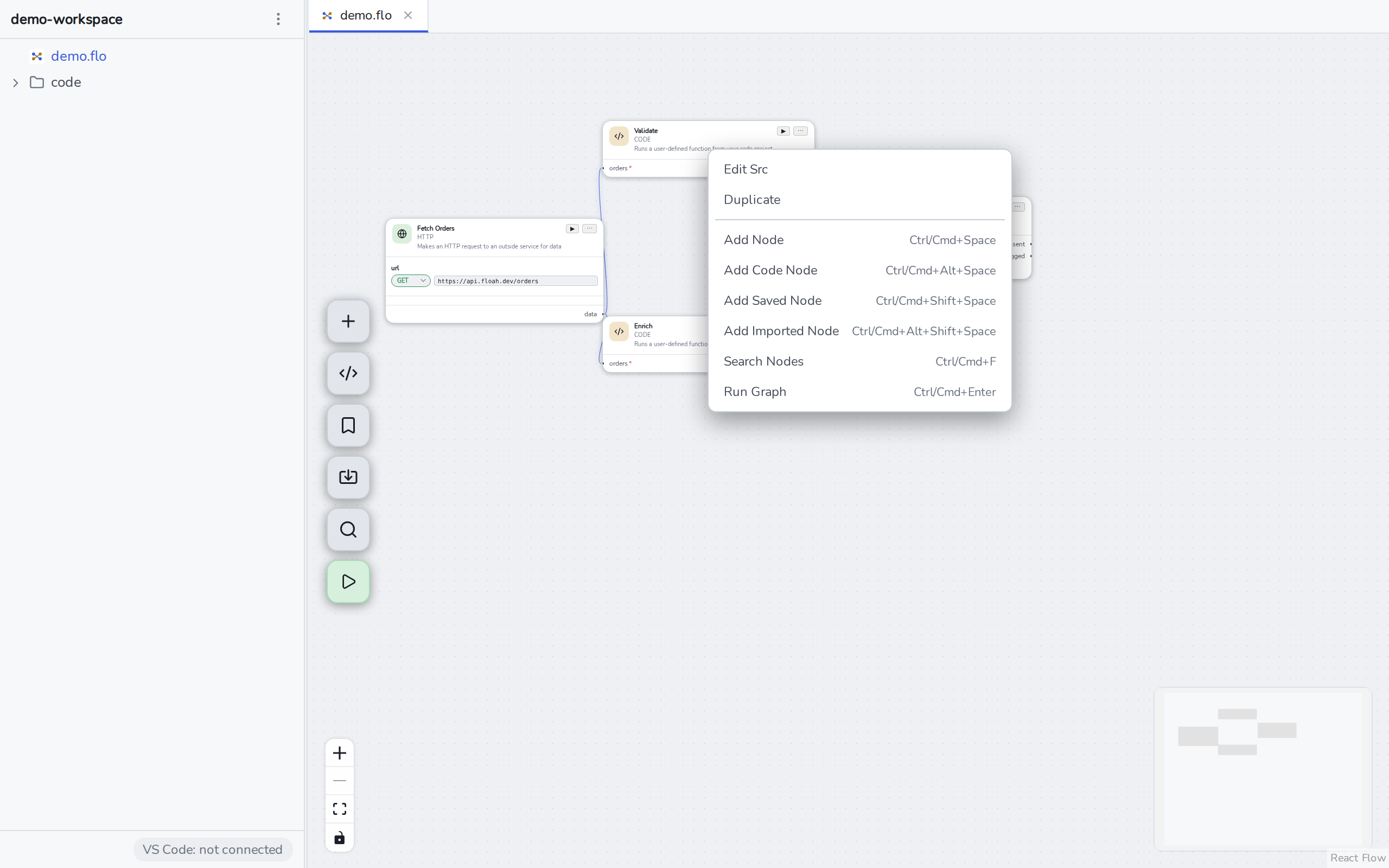
Any Code Node’s ⋯ menu has Edit Src , it jumps VS Code straight to that function, cursor already on its name.
Renaming or deleting a function in your editor updates the flow’s diagnostics immediately , there’s no reopening step, but a flow that references a now-missing function will show an error on that node until it’s fixed or rewired.